
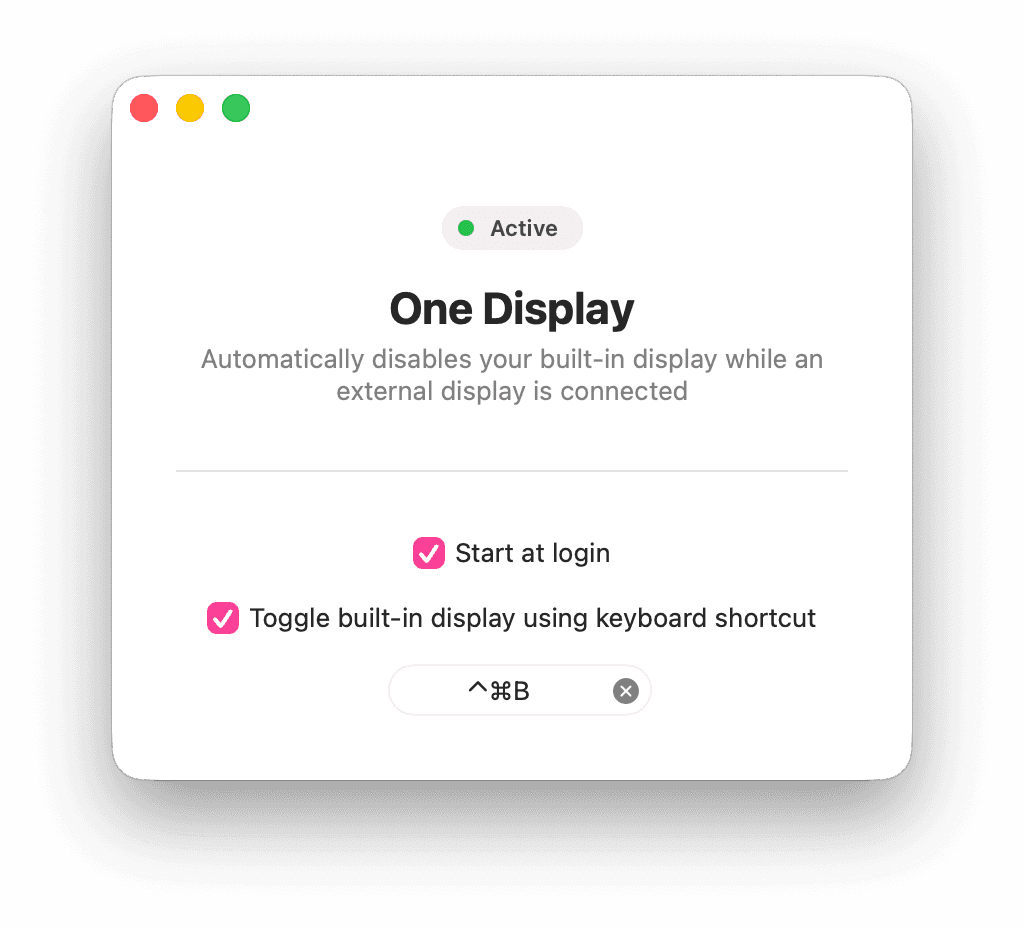
One Display
One Display is a little Mac utility that does (more or less) one thing: automatically turn off your MacBook’s built-in display while an external display is connected.
Why would anyone want to do that? Well, I personally find multi-monitor setups to be tedious to manage and distracting to use. I’m a “one big monitor” kind of guy, and when I’m working on the big monitor on my desk, I don’t want to worry about which screen my windows or cursor are on.
While I’m generally happy to use my MacBook in clamshell mode with a Magic Keyboard and Magic Trackpad, I’ve found them a bit frustrating at times. I have to remember to charge them. That’s one more cable I have to worry about on my desk. Touch ID occasionally just stops working. And the trackpad in particular is so light that it constantly shifts out of place as I work.
But what really spurred me to make this app is that I recently started a new job and once again have both a work laptop and a personal laptop, and the Magic accessories can only be paired to one of them at a time. So my solution is One Display, which lets me plug in either MacBook and get to work in the “one big monitor” mode I prefer.
One Display also includes an optional keyboard shortcut to turn on the built-in display when you need it. (I haven’t really used it yet, but it’s nice to know that the option is there.)
One Display is free and open source. If you find it useful, I’d love to hear from you!
SOUP.CATS.DISCO.
JEREMY KANTER
COPYRIGHT 2026